Documents and templates
Proto builds document templates such as invoices, quotes and purchase orders, with merge fields, line items and letterheads.
Example requests
- “Create an invoice template with our letterhead.”
- “Add merge fields for customer name and due date.”
- “Duplicate this quote template and switch it to landscape.”
Where documents live
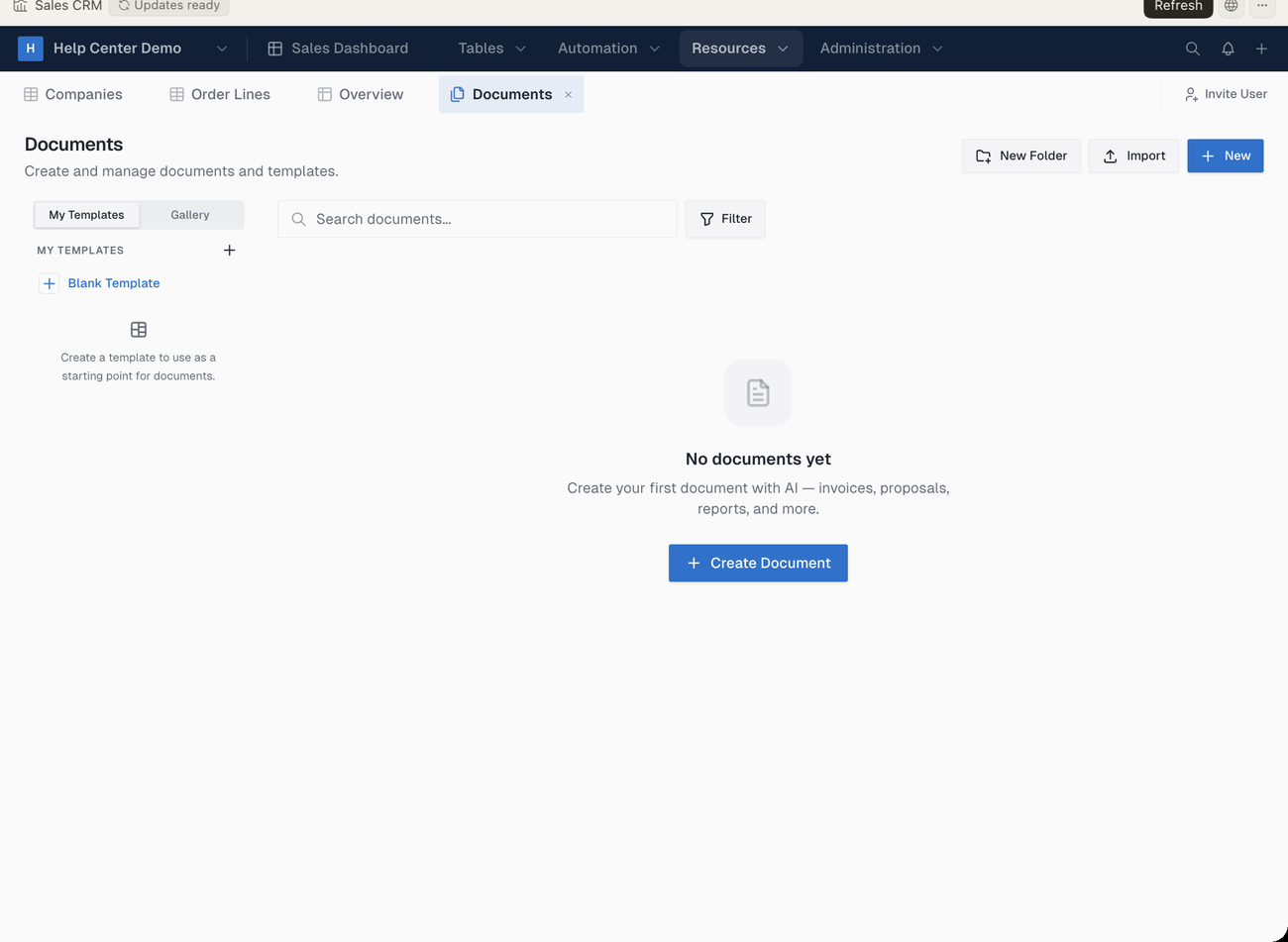
In the ERP•AI app, click Resources → Documents in the app sidebar (or the top bar, if the app uses top navigation). It lists All documents with search and a Filter control. Use Import and New to add items; the arrow next to New offers Using Template (My Templates and the Gallery) and Create Folder. Each row offers Move to, Duplicate and Delete.
Export and share
| To… | Use |
|---|---|
| Download a PDF | Save as PDF in the document editor toolbar |
| Share a read-only link | Share, then turn on Publish to web |
| Restore an earlier version | The editor menu → Version history → Preview or Restore |
Versions are saved automatically every 5 minutes.