Create a new app
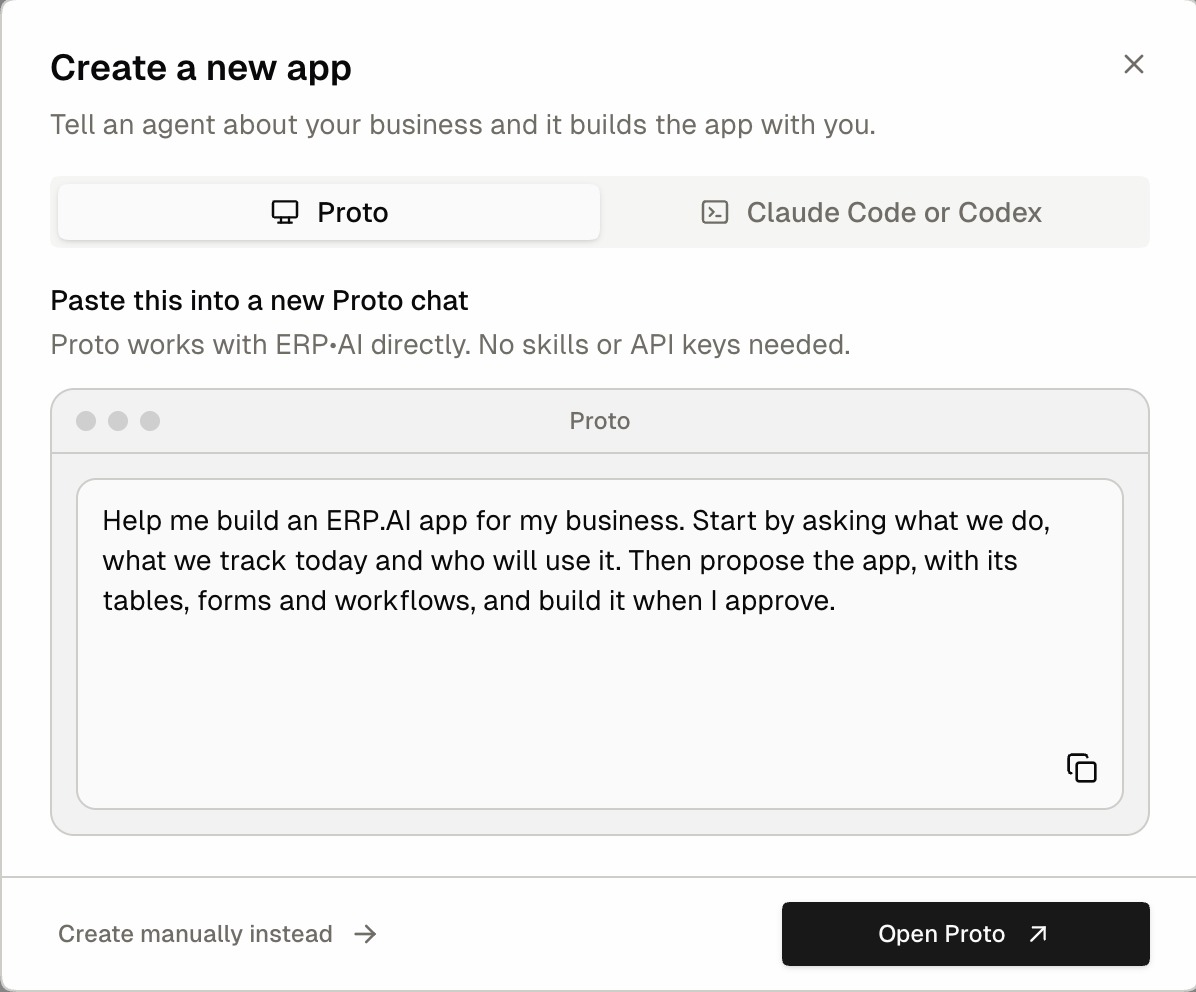
Create an empty app and build it yourself, or use it as a starting point for Proto, the AI agent.
Before you begin
You need an organization role that allows Create apps, for example App Creator or Super Admin. When you sign up, you’re the Super Admin of your new organization, so you can create apps right away. See Organization roles.
Create an app
- Click Apps in the organization sidebar.
- Click + New App (top right). You can also click Build your own app on the Home page.
- Create a new app opens on the agent panel, where you can describe the app to Proto or to Claude Code or Codex and let the agent build it. To build it yourself, click Create manually instead.
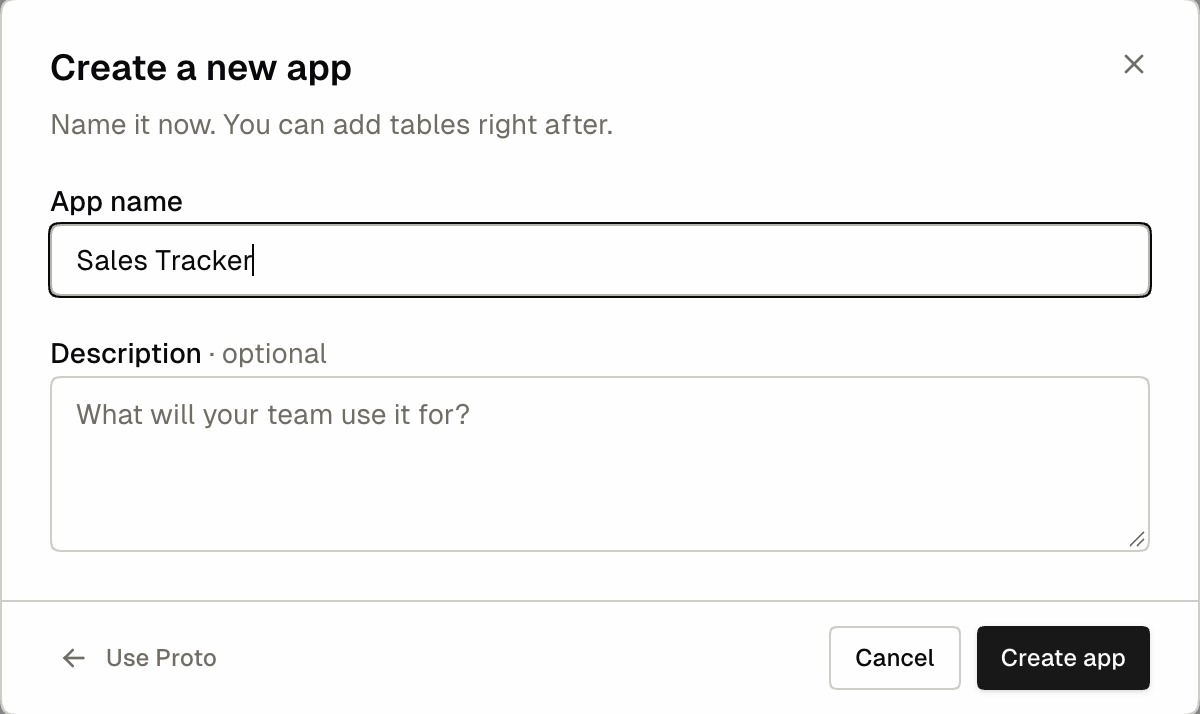
- Enter:
- App name (required): the display name, for example
Field Service - Description (optional): a short summary of what the app does
- App name (required): the display name, for example
- Click Create app.
The app opens on its Overview page, and ERP•AI prompts you to Add your first table.
Add your first table
The Add your first table dialog appears when you open an empty app:
| Setting | What it does |
|---|---|
| Table Name | The table’s name. Click the icon button to pick an icon. |
| Category/Section | The sidebar group the table appears under. The default is Masters. Click + in the dropdown to create a new section. |
| Primary Column | The identifying column, Id by default. Data Type can be Auto Sequence (default), Text, Long Text, Number, or Date. Tick Mandatory Field to make it required. |
| Include Name Column | Adds a Name text column. You can rename it and make it mandatory. |
| Enable Draft | Lets users save records as drafts without filling in mandatory fields. |
Click Create table. See Tables for more options.
Next steps
- Set the app’s country, currency, date format, and time zone in App settings.
- Add fields: Field types overview
- Give colleagues access: App access
Tips
- Choose clear, plural table names (Customers, Invoices) and group them into sections such as Masters (reference data) and Transactions (day-to-day activity).
- Don’t create your own Created At / Created By fields. Every table already has them.